




How to Integrate Trimble Business Center into Your Workflow
In the field of surveying, efficient data management and processing are critical to project success. Trimble Business Center (TBC) is a powerful software solution designed to help survey engineers streamline their workflows, from data collection to project completion. By integrating TBC into your workflow, you can enhance accuracy, improve collaboration, and boost productivity. In this blog post, we’ll explore the benefits of using Trimble Business Center and offer a step-by-step guide to help you get started.
What is Trimble Business Center?
Trimble Business Center is a comprehensive software platform that allows surveyors to manage, process, and analyze geospatial data. It supports a wide range of surveying tasks, including GNSS data processing, topographic surveys, volume calculations, and CAD drafting. The software is highly customizable, allowing users to tailor it to their specific project needs.
Why Should You Use Trimble Business Center?
Integrating Trimble Business Center into your workflow offers several benefits:
- Data Centralization:
TBC allows you to manage all your data in one place. Whether you’re dealing with GNSS data, total station measurements, or aerial survey data from drones, TBC makes it easy to organize and analyze everything from a single platform. - Improved Accuracy:
TBC’s advanced algorithms and tools ensure high-precision data processing. With features like coordinate system transformations, site calibration, and error reduction, you can confidently deliver accurate results. - Seamless Integration with Field Equipment:
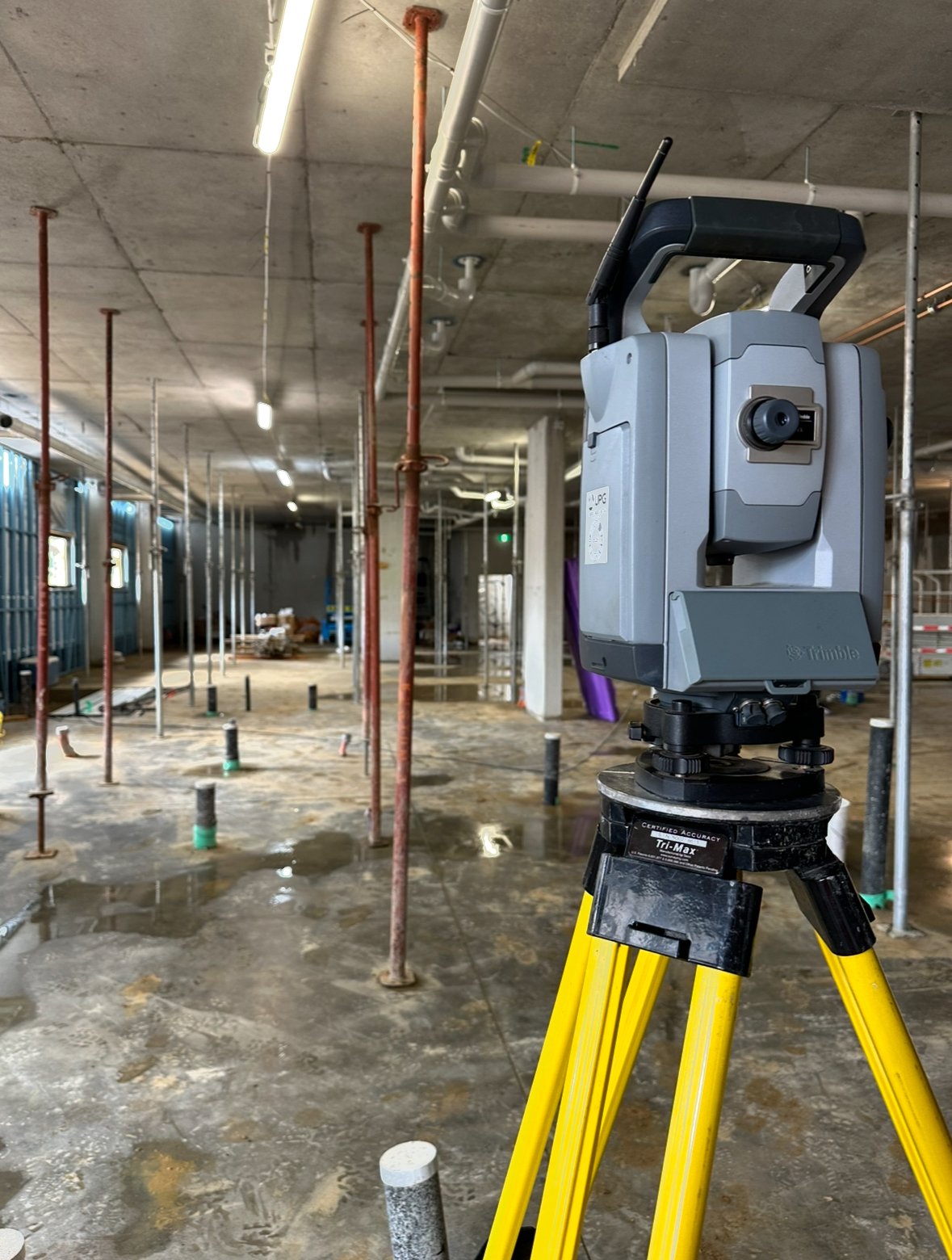
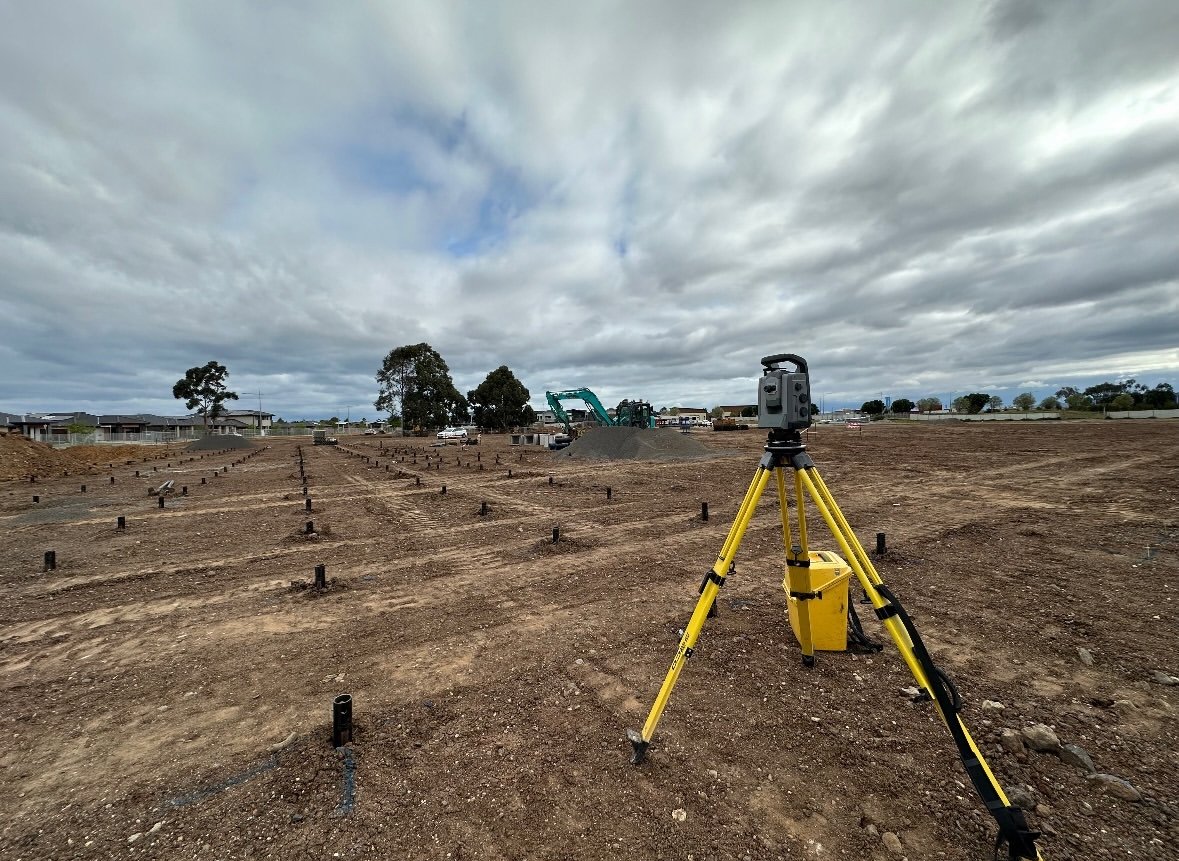
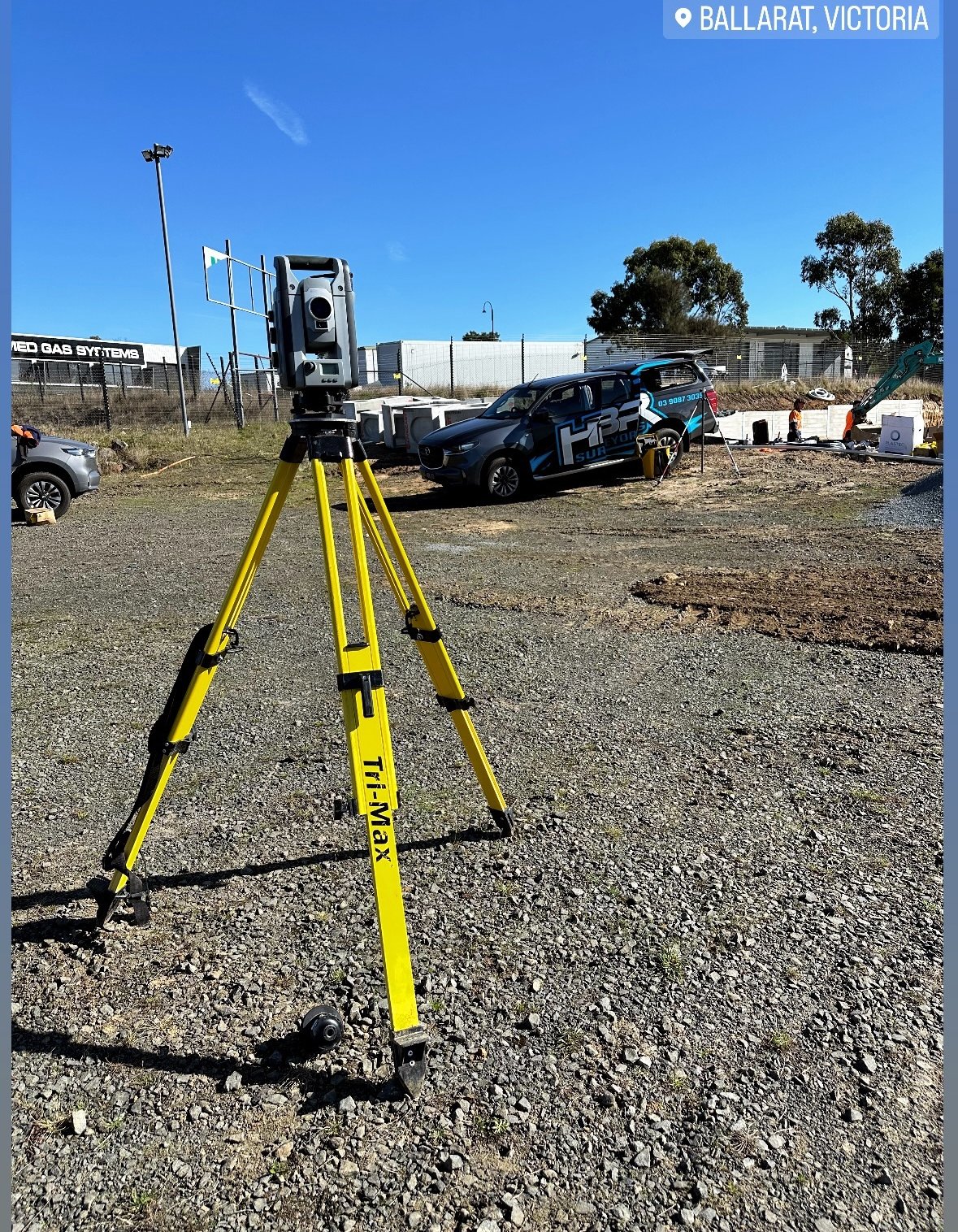
Trimble Business Center integrates smoothly with Trimble’s field equipment, such as GPS receivers, total stations, and drones. This integration simplifies data transfer, reducing the potential for errors and saving time. - Powerful CAD Tools:
TBC offers a variety of CAD tools to create detailed designs, maps, and topographic models. This makes it easier to draft plans, conduct earthworks analysis, and prepare final deliverables for your clients. - Collaboration and Reporting:
With Trimble Business Center, you can easily generate reports and share them with your team. This promotes better collaboration between field crews, office staff, and clients, ensuring that everyone has access to the latest project information.
How to Integrate Trimble Business Center into Your Workflow
Here’s a step-by-step guide to integrating TBC into your surveying workflow:
- Collect Data Using Trimble Equipment:
Start by collecting your survey data in the field using Trimble GPS receivers, total stations, or drones. Trimble equipment is designed to work seamlessly with Trimble Business Center, making data transfer straightforward. - Import Data into TBC:
Once the data collection is complete, import it into Trimble Business Center. The software supports a wide range of file formats, including GNSS, total station data, and point clouds from LiDAR or drone surveys. Use the import tool to bring all your data into the platform. - Process and Analyze Data:
After importing your data, use TBC’s powerful tools to process and analyze it. You can adjust the coordinate system, perform site calibration, and apply corrections to ensure accurate results. TBC also allows you to combine data from multiple sources (such as GNSS and total stations) into one cohesive model. - Create Detailed CAD Designs:
Use TBC’s integrated CAD tools to create maps, models, and designs. Whether you need to draft a site plan, calculate volumes, or create topographic maps, TBC offers the tools needed to complete your design work efficiently. - Generate Reports and Share Data:
Once your data is processed and your designs are complete, you can generate customized reports for clients or project managers. Trimble Business Center allows you to export data in various formats, making it easy to share with others on your team or with external stakeholders. - Maintain a Continuous Workflow:
By continuously updating your data and importing new field measurements, Trimble Business Center ensures that your project remains on track. The software allows you to monitor project progress, check for inconsistencies, and update designs as necessary.
Conclusion
Integrating Trimble Business Center into your surveying workflow can greatly enhance efficiency, accuracy, and collaboration. With its wide range of data processing tools, seamless integration with Trimble field equipment, and powerful CAD capabilities, TBC is a must-have solution for modern survey engineers. By following the steps outlined in this guide, you can quickly begin incorporating Trimble Business Center into your daily operations, ultimately improving the quality and speed of your projects.